OBD2 mobile
Read fault codes on mobile x2
Use your smartphone to quickly read OBD2 fault codes. Compatible with most cars and easy to use — instant explanation for every code.
Fast, simple and reliable reading — free tips included.

What you get
- Direct reading of fault codes (P-, B-, C- and U-codes)
- Code explanations and possible causes
- Advice on next steps and maintenance
- Compatibility with OBD2 Bluetooth/Wi‑Fi adapters
OBD2 adapter
Use a simple Bluetooth or Wi‑Fi OBD2 reader. We recommend models that connect reliably with Android and iOS.
How it works
- Connect the OBD2 adapter to the diagnostic socket under the dashboard.
- Connect the adapter to your phone via Bluetooth or Wi‑Fi.
- Open the car diagnostics app and start the fault code scan.
- View the codes, read the explanation and follow the advice.
Note: for safety-critical faults, we recommend immediate professional inspection.

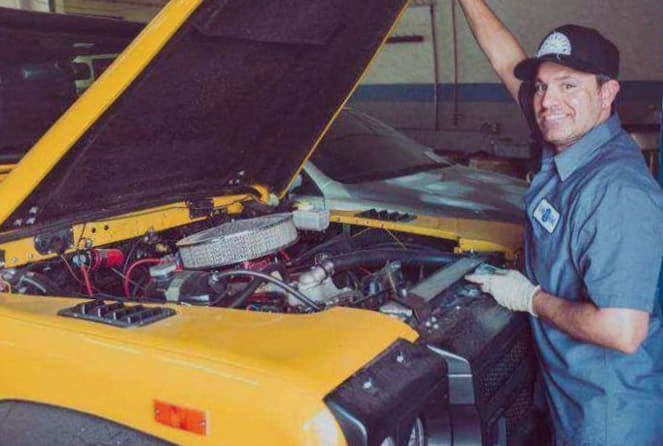
Jan the Technician
Senior diagnostic engineer
Frequently asked questions
Almost all petrol cars from 2001 and diesel cars from 2004 (EU) have OBD2. Support may be limited for older models.
You can read basic codes for free with many apps. For detailed reports or deeper diagnostics, we offer paid services.
Yes — the reading shows the exact fault codes so you can assess whether it is safe to keep driving or whether immediate maintenance is needed.
Comparison: App vs. Professional scanner
| Feature | Mobile app + adapter | Professional scanner |
|---|---|---|
| Cost | Low | High |
| Functionality | Basic to intermediate | In-depth diagnostics |
| Ease of use | Very simple | Requires knowledge |
| Recommendation | Daily use / quick check | Complex faults / repair |
Gallery


Customer reviews

Marieke
"Quick, clear answer about the engine fault. Great!"
Peter
"With an adapter and the app, I had the code and explanation within 10 minutes."
Sara
"Got useful tips — in the end it turned out to be a loose sensor."
Ready to read fault codes?
We guide you step by step or carry out the diagnosis for you at our workshop.